Your spreadsheet did its best.
An Excel job card works until two people need it at once, a technician needs it on site, or someone asks which jobs haven't been invoiced. Opdeck is the register, the job card and the invoice in one place.
30 days free. No card needed.
Why teams move off Excel and spreadsheets
One copy, many versions
"Job register FINAL v3.xlsx" on one laptop, an older one on another, and nobody sure which is right.
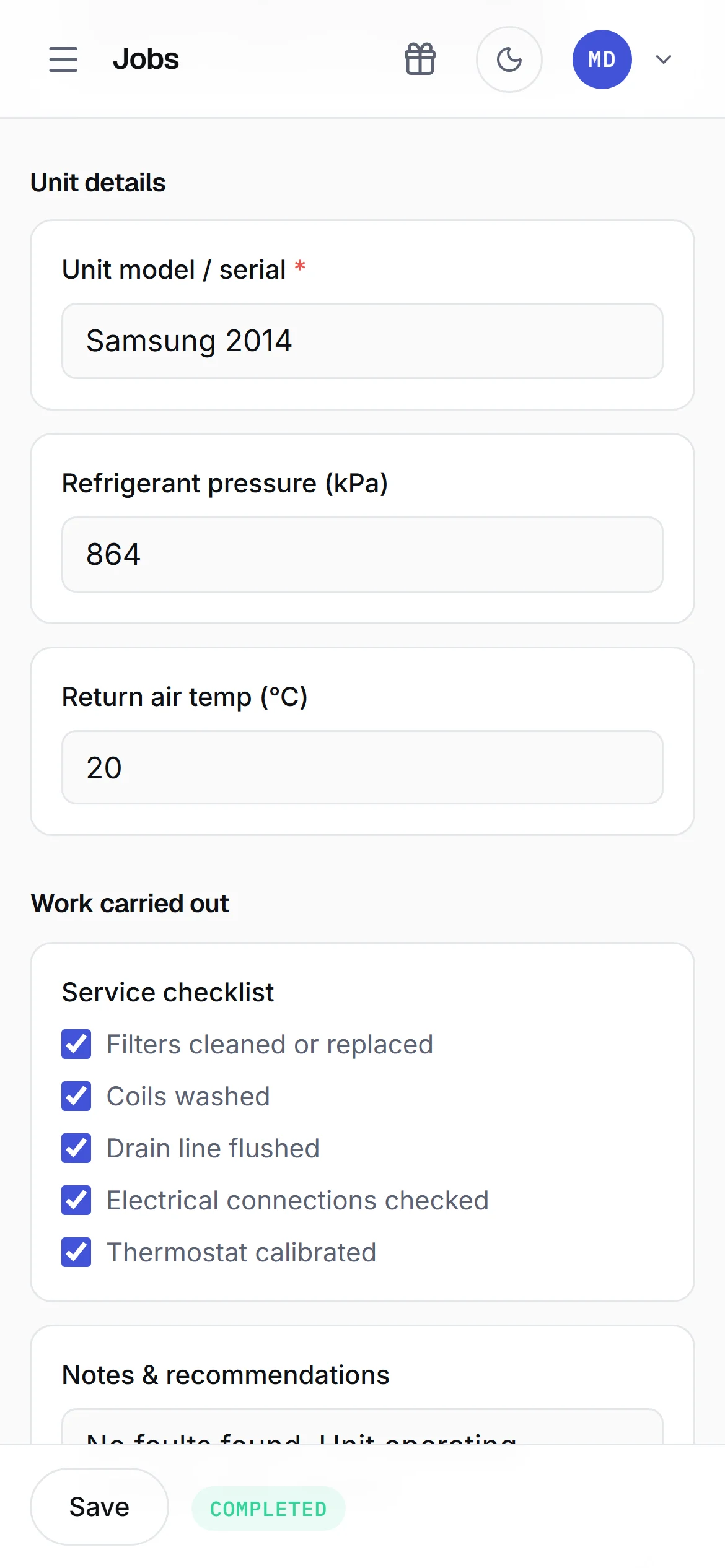
Useless on site
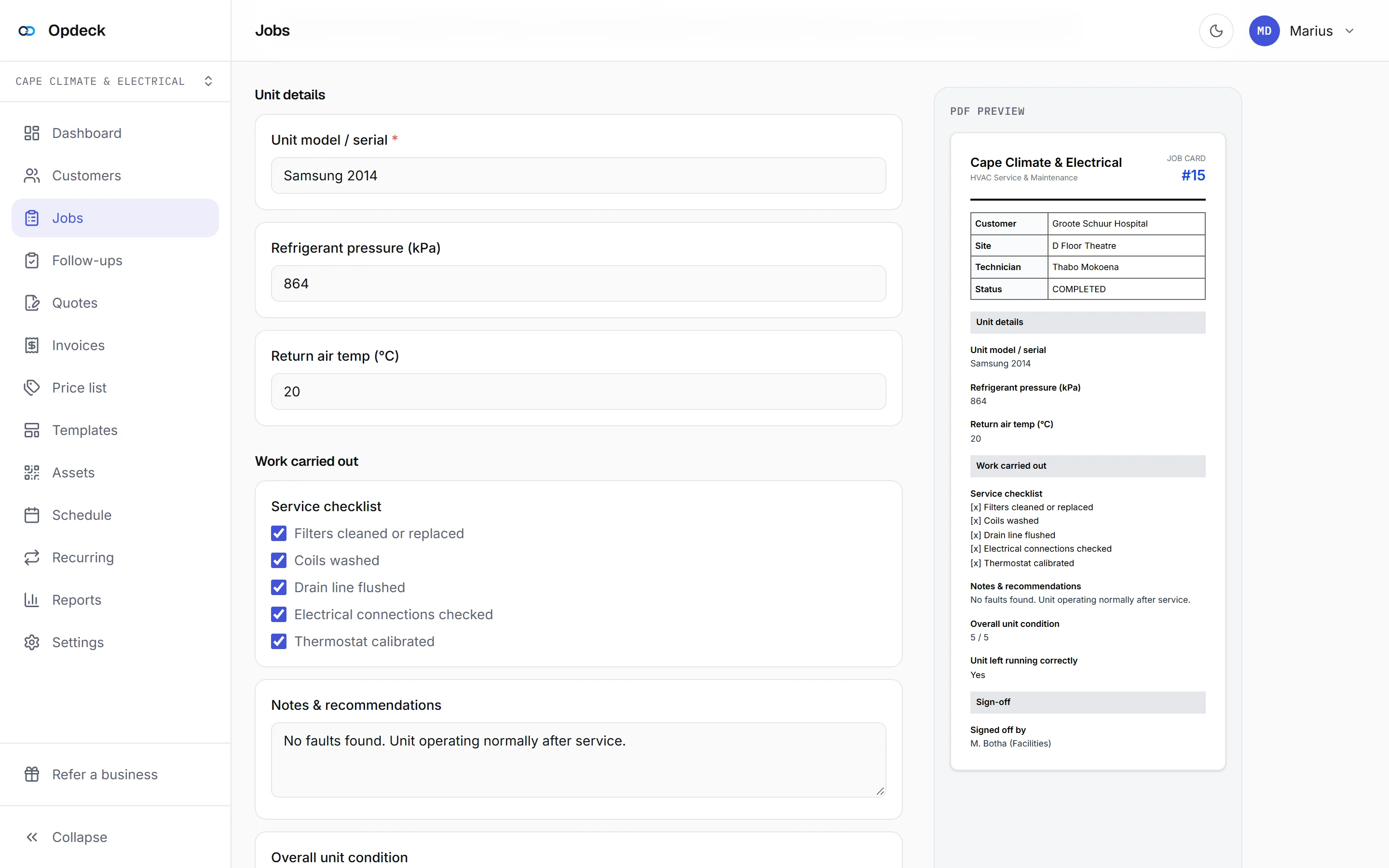
Nobody fills in a spreadsheet on a phone in a plant room, so the card gets written up afterwards from memory.
Unbilled work hides
Finding finished jobs that were never invoiced means filtering by hand, so some never are.
How the move works
Three steps, and we do the fiddly part for you.
- Step 1
Import your customers and price list
Upload them from a spreadsheet. Customers and price list items come in with their details, no retyping.
- Step 2
Turn your columns into a template
The columns in your job sheet become questions on a job card: readings, checklists, notes, photos and a signature.
- Step 3
Run the next job through it
From there the job list, schedule and invoices keep themselves up to date.
You can still export what you need. Every job card is a PDF, and your customer list stays yours.
Also switching from
Run your next job on Opdeck.
Start a free trial and send us a photo of your job card. We'll have it built into your account so your team can use it on the next job.
- 30 days free, no card needed
- We build your first job card for you
- Monthly, cancel any time