Leaving QuickBooks? Bring the job cards along.
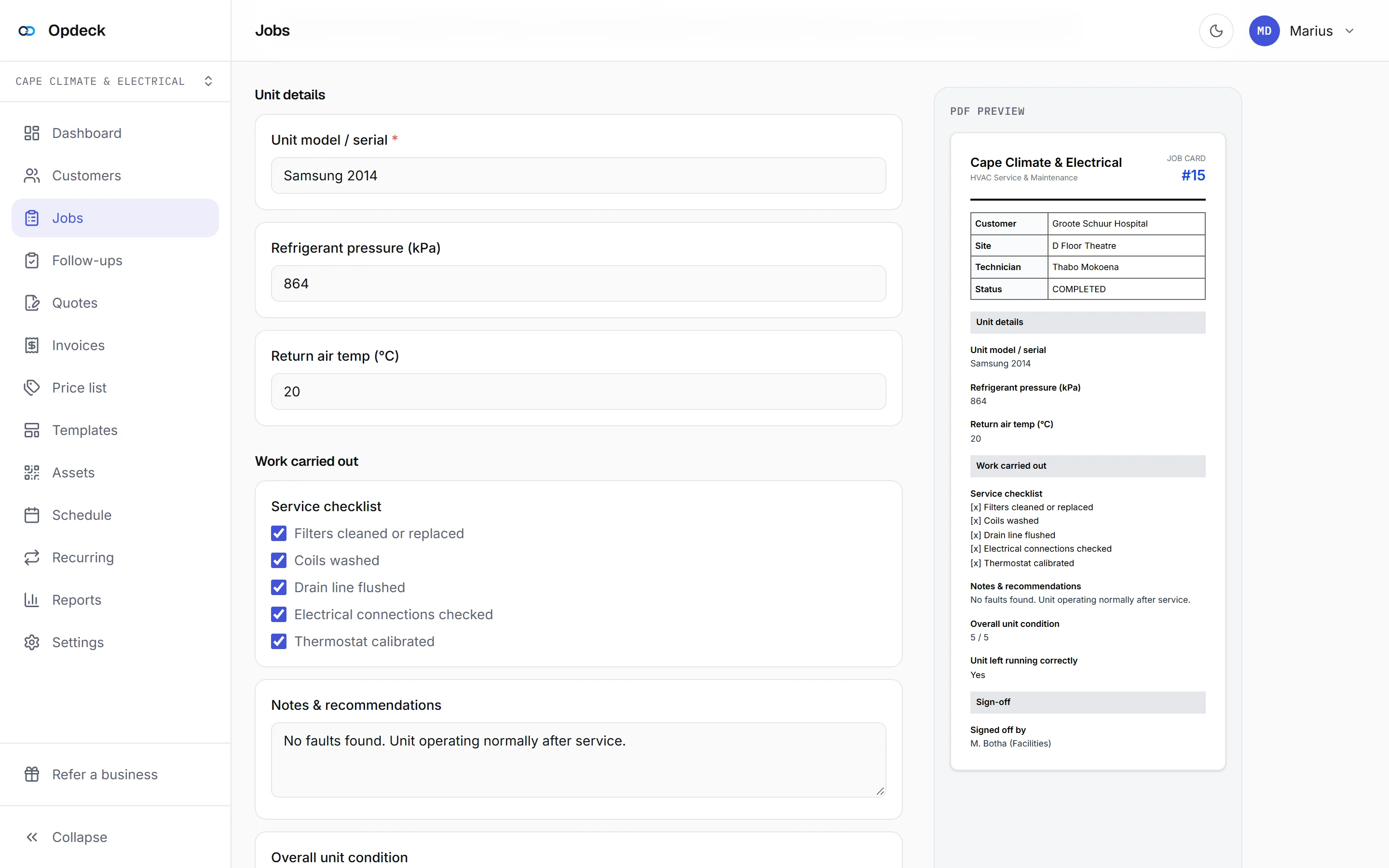
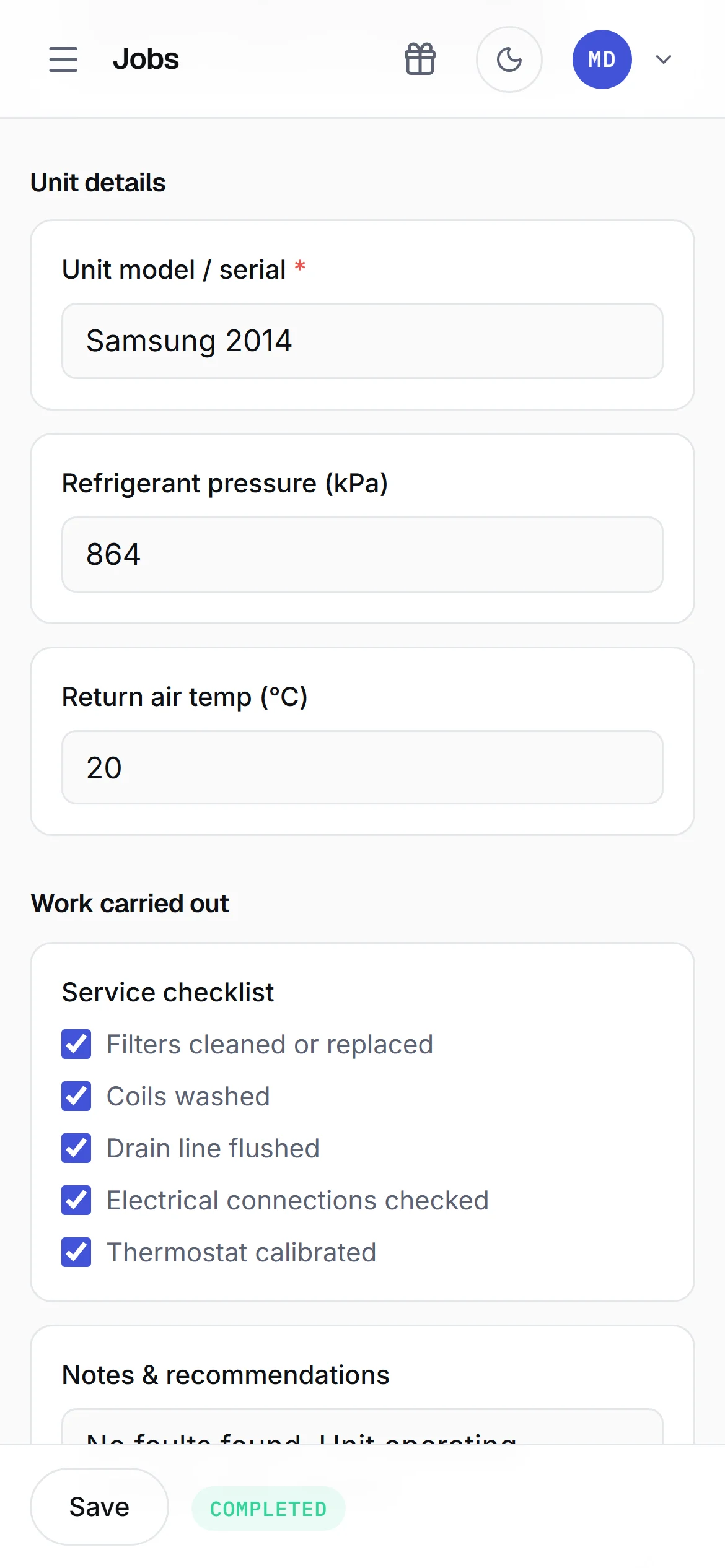
If QuickBooks was mostly quotes, invoices and statements, Opdeck does those too, and adds what it never did: the job card your technician fills in on site, which the invoice comes from.
30 days free. No card needed.
Why teams move off QuickBooks
Quotes typed twice
The job is written up on paper, then retyped into a quote or invoice back at the office.
No link to the work
The invoice says "labour 4 hours". The job card with the photos and the signature lives somewhere else.
Paying for accounting you don't use
Many trade businesses use a fraction of an accounting package and their bookkeeper does the rest.
How the move works
Three steps, and we do the fiddly part for you.
- Step 1
Import customers and your price list
From a spreadsheet export. Labour rates, call-outs and parts come in with their prices.
- Step 2
Set your quote and invoice wording
Validity, warranty terms, banking details and surcharges go on as default notes, so every document reads like yours did.
- Step 3
Quote, do the job, invoice
Quotes are accepted online, the job card is filled in on site, the invoice comes off the finished job, and statements show who still owes what.
Your bookkeeper still gets what they need: every invoice and statement is a PDF with your VAT and banking details on it.
Also switching from
Run your next job on Opdeck.
Start a free trial and send us a photo of your job card. We'll have it built into your account so your team can use it on the next job.
- 30 days free, no card needed
- We build your first job card for you
- Monthly, cancel any time